Label Studio vs Prodigy vs doccano (2026 Comparison)
Label Studio vs Prodigy vs doccano for text annotation: open-source status, active learning, team QA, and pricing model, compared. See which one fits.
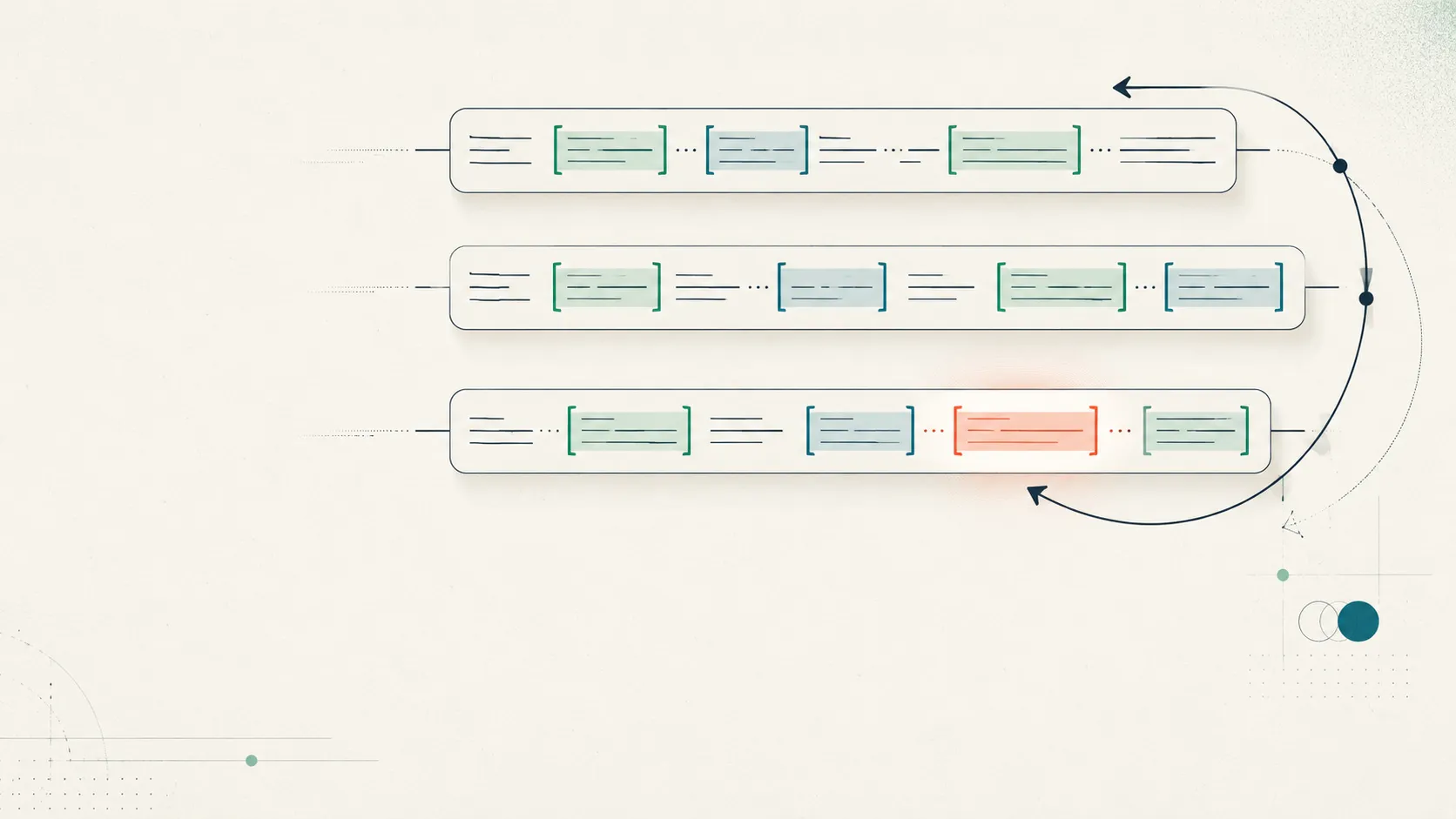
Label Studio vs Prodigy vs doccano is the choice most teams building text-annotation datasets run into, and the honest starting point is that all three will label text competently. The differences that decide your choice are narrower: whether the tool is open source, how much the model helps while you annotate, whether it scales to a team with quality control, and how you pay. Label Studio is the broad open-source generalist, Prodigy is the paid active-learning power tool, and doccano is the free, no-frills text labeler. This guide puts the three side by side, fairly, with facts verified against each project as of July 2026.
Which open-source text annotation tool is best?
There is no single best text annotation tool; the right one depends on your license constraints, your budget, whether you want active learning, and whether you are one person or a team. Two of the three here are open source: Label Studio is Apache-2.0 and doccano is MIT (both confirmed in their repositories). Prodigy is the outlier: it is a paid, proprietary tool, so if “open source” is a hard requirement, it is out of the running before features even enter the conversation.
That licensing split matters more than it first appears. Open source buys you self-hosting, data control, and no per-seat fee, but it puts setup, scaling, and workflow discipline on you. A paid tool trades those costs for a faster, more opinionated path. Keep that frame as you read the table, because most of the real differences trace back to it.
Label Studio vs Prodigy vs doccano: the comparison table
Here is the artifact most teams are searching for: the three tools on the axes that decide a text-annotation purchase. Read across a row to understand one tool; read down a column to compare all three on one dimension.
| Axis | Label Studio | Prodigy | doccano |
|---|---|---|---|
| Maker | HumanSignal | Explosion (spaCy) | Open-source community (Hironsan) |
| License | Apache-2.0 (Enterprise proprietary) | Proprietary, commercial | MIT |
| Cost model | Free OSS · per-user cloud · Enterprise quote | One-time perpetual license per seat | Free (self-host) |
| Modalities | Multimodal: text, image, audio, video, PDF, time-series | Text-first; image/audio/video via recipes | Text only |
| Active learning | Model-in-the-loop via ML Backend SDK (DIY) | Core design; model updates as you label | None native (optional external auto-label) |
| Team QA / consensus | Advanced—but Enterprise-tier | Limited (single-developer oriented) | Basic review; limited analytics |
| Hosting | Self-host or managed cloud | Local / self-host | Self-host (Docker/pip) |
| Best for | Teams wanting one OSS tool across data types | Solo ML engineers building NLP data fast | Academics/small teams needing free, simple text labeling |
If your work spans images, video, or LLM evaluation as well as text, the wider field is in our roundup of the best data annotation tools; this page stays focused on the three text-first contenders.
Is Prodigy open source, and what does it cost?
Prodigy is not open source. It is a proprietary, scriptable tool from Explosion, sold under a commercial license, and this is the single most common misconception about it. You get the Python source to run and extend locally, but you cannot redistribute it, and there is no free community edition.
Its pricing model is unusual and appealing for individuals: a one-time perpetual license you own forever, with twelve months of free upgrades. As of July 2026 the Personal license is listed at $390. The Company license is $490 per seat, sold in packs of five (so $2,450 for five seats), and adds single sign-on and priority support. That is a buy-once cost, not a subscription, which can make Prodigy cheaper over a multi-year horizon for a small, stable team.
One planning caveat: Prodigy’s collaborative, hosted successor, Prodigy Teams, was paused near completion during Explosion’s 2024 downsizing and is not generally available as of July 2026 (Explosion, 2024). If you need managed multi-annotator orchestration today, do not buy Prodigy on the promise of Teams—verify its status first.
Which has the best active learning?
Prodigy has the best active learning of the three, because it is the entire point of the tool. A model runs in the loop, updates as you annotate, and re-prioritizes the examples it is most uncertain about, so you label the informative cases instead of a random stream (Explosion, 2017). For a single ML engineer, that is the fastest known path from raw text to a trained model, and the tight spaCy integration makes the loop nearly frictionless.
Label Studio supports model-in-the-loop pre-labeling through its ML Backend SDK, where you stand up a model service that returns predictions to correct. It is capable and flexible, but you build and host the loop yourself rather than getting it out of the box. doccano offers only optional auto-labeling via an external web API, which requires configuring and hosting a separate service, and it has no built-in active-learning loop at all. Explosion’s marketing claims Prodigy can substantially cut how much you need to annotate; treat that as a vendor claim, but the underlying active-learning advantage is real.
Which scales to a team?
For team-scale quality control, Label Studio leads—with a catch: the features you want are in the paid Enterprise tier. Reviewer workflows, consensus scoring, inter-annotator agreement metrics, project analytics, and SSO are Enterprise features; the free Community edition has only basic review. So Label Studio scales to a team, but the version that does is not the free one.
doccano supports multiple annotators and a simple approve/review step, which is enough for a small class or pilot, but its consensus and agreement analytics are shallow. Prodigy is the weakest here by design: it is built for a single developer working locally, and orchestrating several annotators with review and agreement checks is exactly the gap Prodigy Teams was meant to fill. If measuring agreement between coders is central to your work, none of the three gives you a first-class, always-on reliability workflow—our guide to Cohen’s kappa and inter-rater reliability explains why a built-in agreement number matters and how it can mislead.
What about modalities beyond text?
Label Studio is the only one of the three that is genuinely multimodal. It labels text, images, audio, video, HTML, PDFs, and time-series, and its Enterprise edition adds more, which means it competes with computer-vision tools as well as text ones. If you expect your labeling needs to expand past text, that breadth is a real advantage and a reason to start there.
Prodigy is text-first but extensible: image, audio, and video workflows exist through custom recipes, though they are secondary to its NLP strengths. doccano is text only—classification, sequence labeling, and sequence-to-sequence—and does not pretend otherwise. For image and video specifically, the sharper comparison is our head-to-head on CVAT vs Labelbox vs V7, and for LLM and RLHF data the relevant tools are covered in annotation tools for LLMs and RLHF.
Where does Tagaroo fit?
Tagaroo is not a general-purpose text-labeling tool, and it would be dishonest to pretend it competes with Label Studio for open-ended NER or with Prodigy for fast active-learning NLP. If your task is building a broad training set from a blank codebook, one of those tools is the right choice.
Tagaroo sits in a narrower lane: guided, template-driven, inter-rater-reliability-native annotation against a defined coding scheme. Instead of starting from an empty label config, you code against a curated instrument—say tagging emotion with Ekman’s six basic emotions or dialogue moves with Searle’s speech acts. Every applied label points back to the exact span of text that justifies it, and agreement between coders is computed as they work. That makes it a good fit when your labeling is against an established taxonomy rather than emergent, and when auditability and reliability are the point. Where you need broad, flexible, open-ended text labeling, reach for Label Studio, Prodigy, or doccano; where you need guided coding against a scheme with reliability built in, that is the gap Tagaroo fills.
Which should you choose?
Pick the tool for your constraint, not its popularity. The three map cleanly onto three situations.
- Choose Label Studio if you want one open-source tool across many data types, expect to scale to a team, and can either self-host the free edition or pay for Enterprise when you need consensus, agreement metrics, and SSO. The cost is that the best team features are paywalled and its labeling-config has a learning curve.
- Choose Prodigy if you are an individual ML engineer or small research team (especially spaCy users) who wants the fastest, most private path from raw text to a trained model. Accept that it is paid, closed, and light on multi-annotator QA.
- Choose doccano if you need a free, simple, self-hosted text labeler for a class, a pilot, or a small project, and you do not need active learning or deep quality analytics. It is the quickest to stand up and genuinely costs nothing but hosting.
The practical upshot: the Label Studio vs Prodigy vs doccano decision is mostly about license and scale, not labeling quality. If reliability and guided, auditable coding against a defined scheme are what you actually need, start a scale-based project in Tagaroo and get inter-rater reliability from the first label rather than bolting it on later.
References
- HumanSignal. Label Studio repository and license (Apache-2.0). GitHub · Community vs Enterprise
- HumanSignal. Pricing. humansignal.com/pricing
- Explosion. Prodigy product and pricing (perpetual license). prodi.gy · prodi.gy/buy
- Explosion. Prodigy: a new tool for radically efficient machine teaching (active learning). explosion.ai/blog
- Explosion. Back to our roots: company update and future plans (Prodigy Teams paused), 2024. explosion.ai/blog
- doccano. Repository and license (MIT). GitHub · Auto-labeling config
If your coding runs against a defined scheme rather than a blank page, Tagaroo turns instruments like Ekman’s basic emotions into a guided, evidence-anchored annotation workflow with inter-rater reliability computed as your coders work.
Frequently asked questions
- Is Prodigy open source?
- No. Prodigy, from Explosion (the makers of spaCy), is a paid, proprietary tool sold under a commercial license, not an open-source one (Explosion, 2026). You buy a perpetual license and get the source to run and script locally, but you cannot redistribute it. Label Studio (Apache-2.0) and doccano (MIT) are the two genuinely open-source tools in this comparison.
- What is the difference between Label Studio, Prodigy, and doccano?
- Label Studio is a broad, open-source, multimodal labeling tool (text, image, audio, video, and more) whose team-QA and auto-labeling features are gated to paid tiers. Prodigy is a paid, developer-focused tool built around active learning and tight spaCy integration, run locally. doccano is a free, MIT-licensed, text-only tool that is fast to stand up but light on QA and has no built-in active learning.
- Which text annotation tool has the best active learning?
- Prodigy. Active learning is its core design: a model runs in the loop, updates as you annotate, and re-prioritizes the most informative examples (Explosion, 2017). Label Studio supports model-in-the-loop pre-labeling through its ML Backend SDK, which you configure yourself, while doccano has only optional external auto-labeling and no built-in active-learning loop.
- Is doccano really free?
- Yes. doccano is open-source under the MIT License, so the software is free; your only cost is hosting it yourself (Docker or pip). It covers text classification, sequence labeling (NER), and sequence-to-sequence tasks, but its quality-control, consensus, and analytics features are limited compared with Label Studio Enterprise.
- Which is best for a team versus a solo researcher?
- For a solo ML engineer building NLP training data fast, Prodigy's local, active-learning workflow is hard to beat. For a small or academic team on a budget, doccano is the simplest free option. For a larger team that needs review workflows, consensus, and agreement metrics, Label Studio (Enterprise tier) or a purpose-built reliability-first tool is the better fit.
Tagaroo builds an annotation tool, so we appear in some comparisons ourselves. How we evaluate tools is documented in our editorial policy.
Keep reading
 Tools & Comparisons
Best Data Annotation Tools in 2026: An Honest Guide
Compare the best data annotation tools of 2026 by open-source status, pricing, modalities, and workforce—one master table, honest picks by use case.
 Tools & Comparisons
RLHF Annotation Tools: Match the Task to the Right Tool
Compare RLHF annotation tools by task—SFT demos, preference ranking, red-teaming, eval rubrics—and find which tool fits each. See the matrix.
 Tools & Comparisons
CVAT vs Labelbox vs V7: Computer-Vision Tools (2026)
CVAT vs Labelbox vs V7 for computer-vision annotation: open-source vs enterprise, auto-labeling, DICOM, and pricing models, compared. See which fits.
Put this into practice
Tagaroo turns any rating scale or coding scheme into a guided annotation workflow—with inter-rater reliability computed as you go.